Patching & software
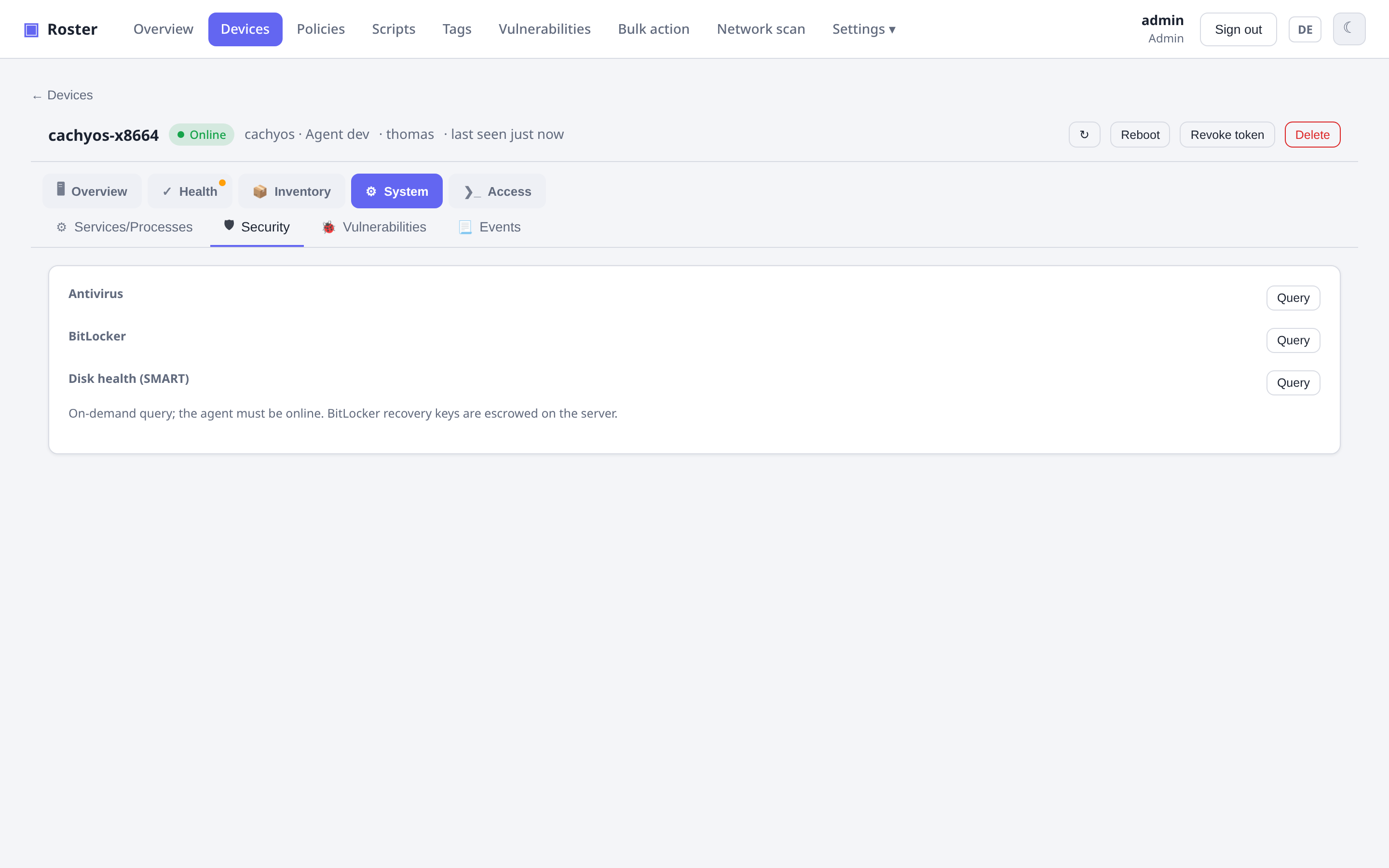
Patch management
Scan for available OS updates, approve them, and install — with a selectable strategy
on Linux (apt upgrade vs dist-upgrade) and an optional reboot afterwards.
Software distribution
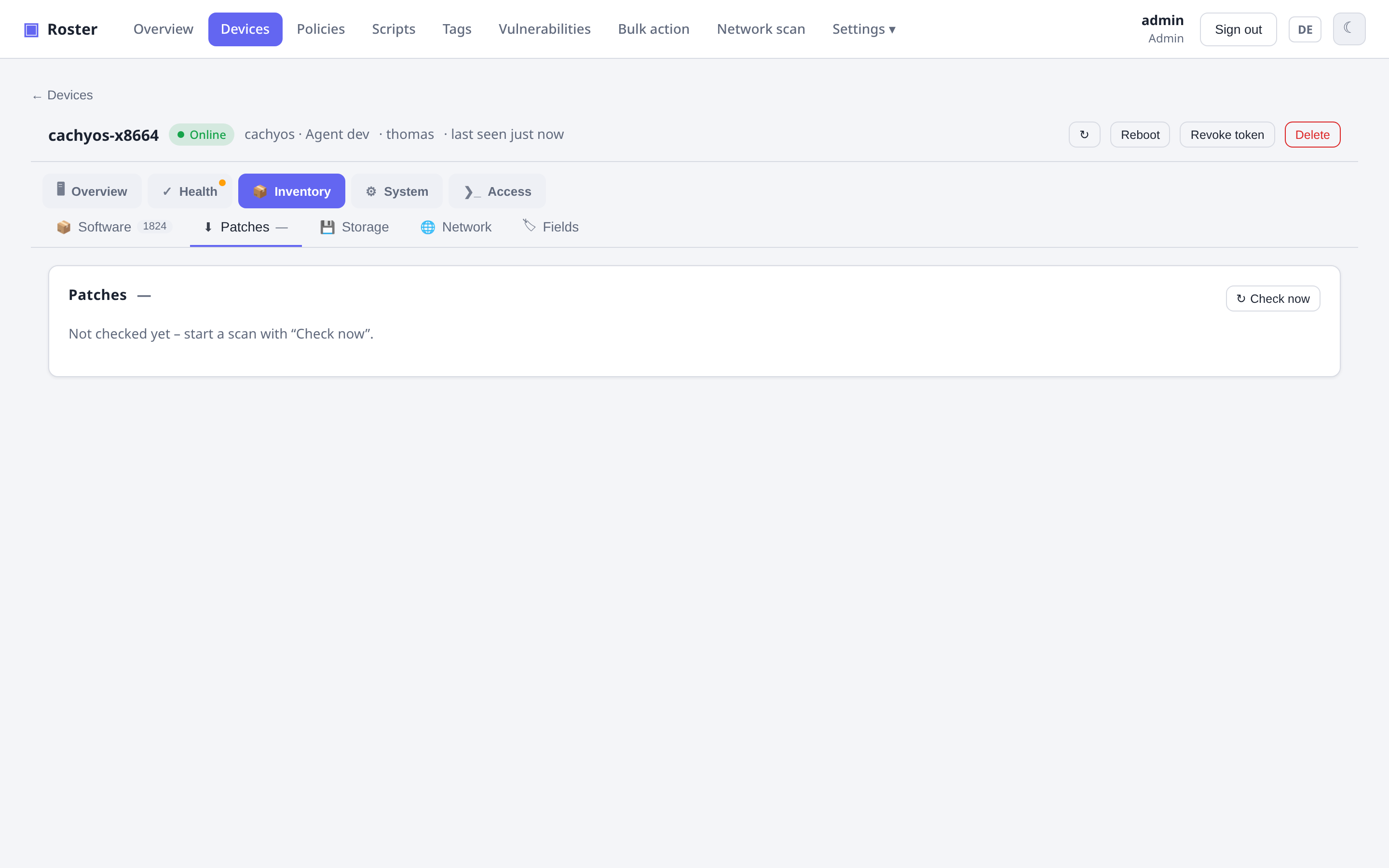
Maintain a catalog of deployable packages (winget / choco / apt / dnf / brew) and roll one out to a device, company, site or tag in one action.
Bulk actions
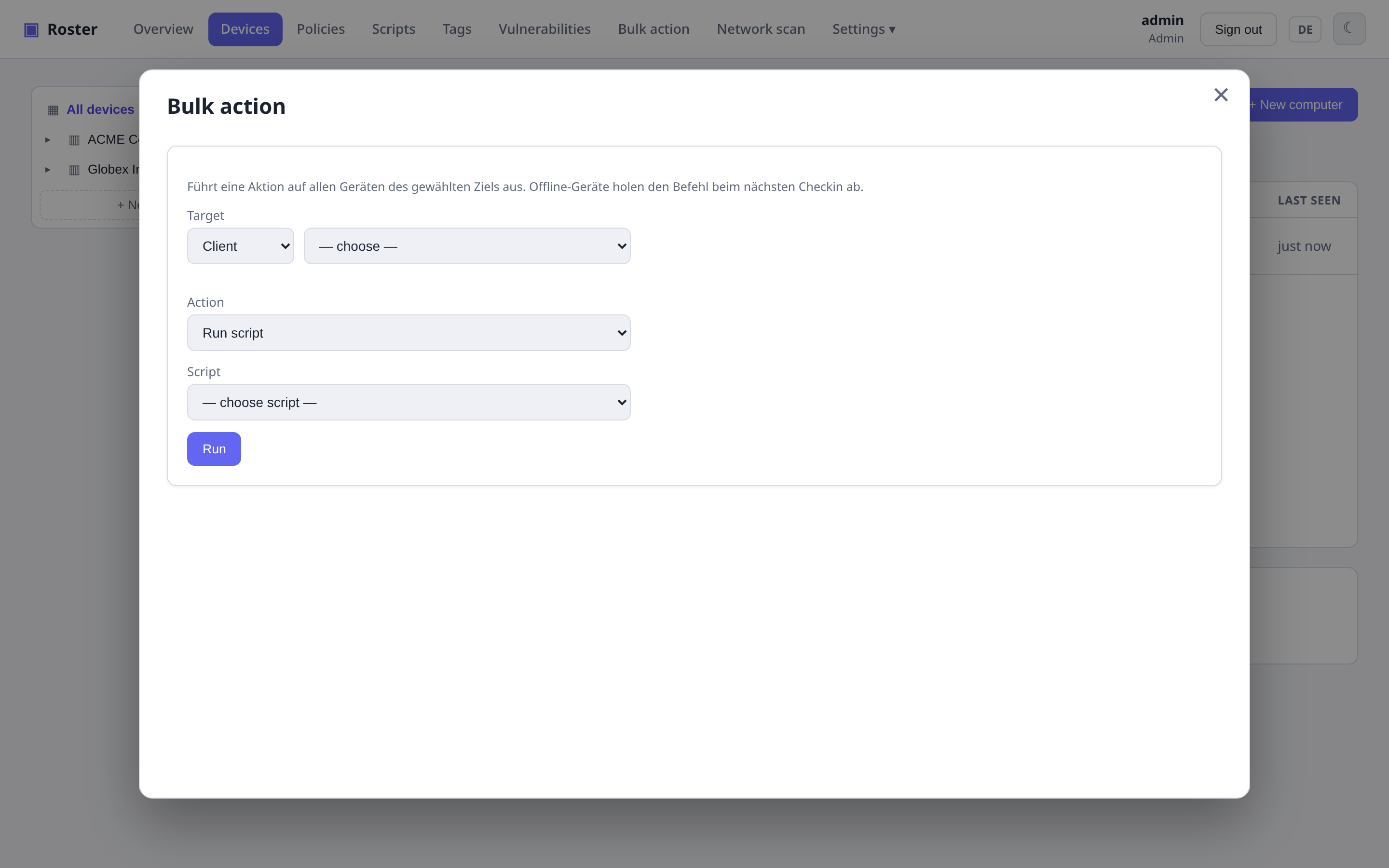
Run a script, trigger an update scan/install, or install software across a whole company, site or tag at once.
On a hand-picked selection
The device list has a checkbox per row (header checkbox = everything currently shown). As soon as something is ticked, a bar offers Reboot, Check updates and Install updates for exactly those devices. Combine it with the filters and a typical chore becomes three clicks:
- Failing check… dropdown (or a Check → failing condition in the filter builder,
or
?filter=check:<id>in the URL) → only devices where e.g. Reboot pending fails. - Header checkbox → all of them selected.
- Reboot → confirm → queued on every device; offline ones pick it up at their next check-in.
Only managed, non-revoked devices can be ticked, and the server re-checks the selection against your data scope.
The same bar has an Export (CSV) button. A dialog lets you pick the columns — hostname, status, company, site, OS, vendor/model/serial, CPU, RAM, IPs, MACs, logged-in users, agent version, update/check/task/CVE counts, last seen — plus one column per custom field that is set on at least one of the ticked devices (lists joined with commas, checkboxes as yes/no). Your column choice is remembered in the browser. The file is a semicolon-separated, UTF-8 CSV that Excel opens directly.
Tags & smart groups
Free-form tags plus rule-based smart groups — dynamic membership from expressions
like OS contains windows AND updates > 0.
Files, services & processes
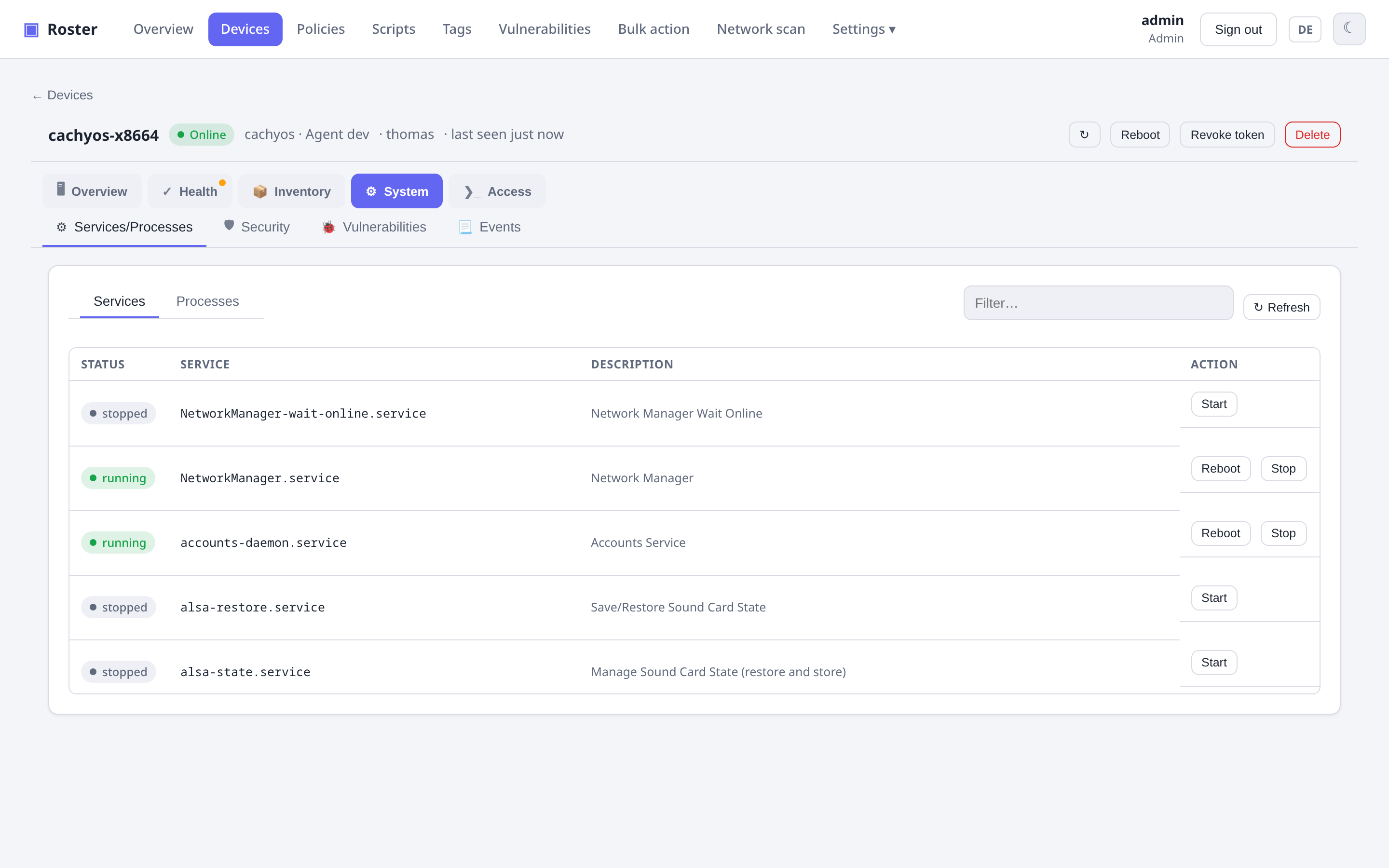
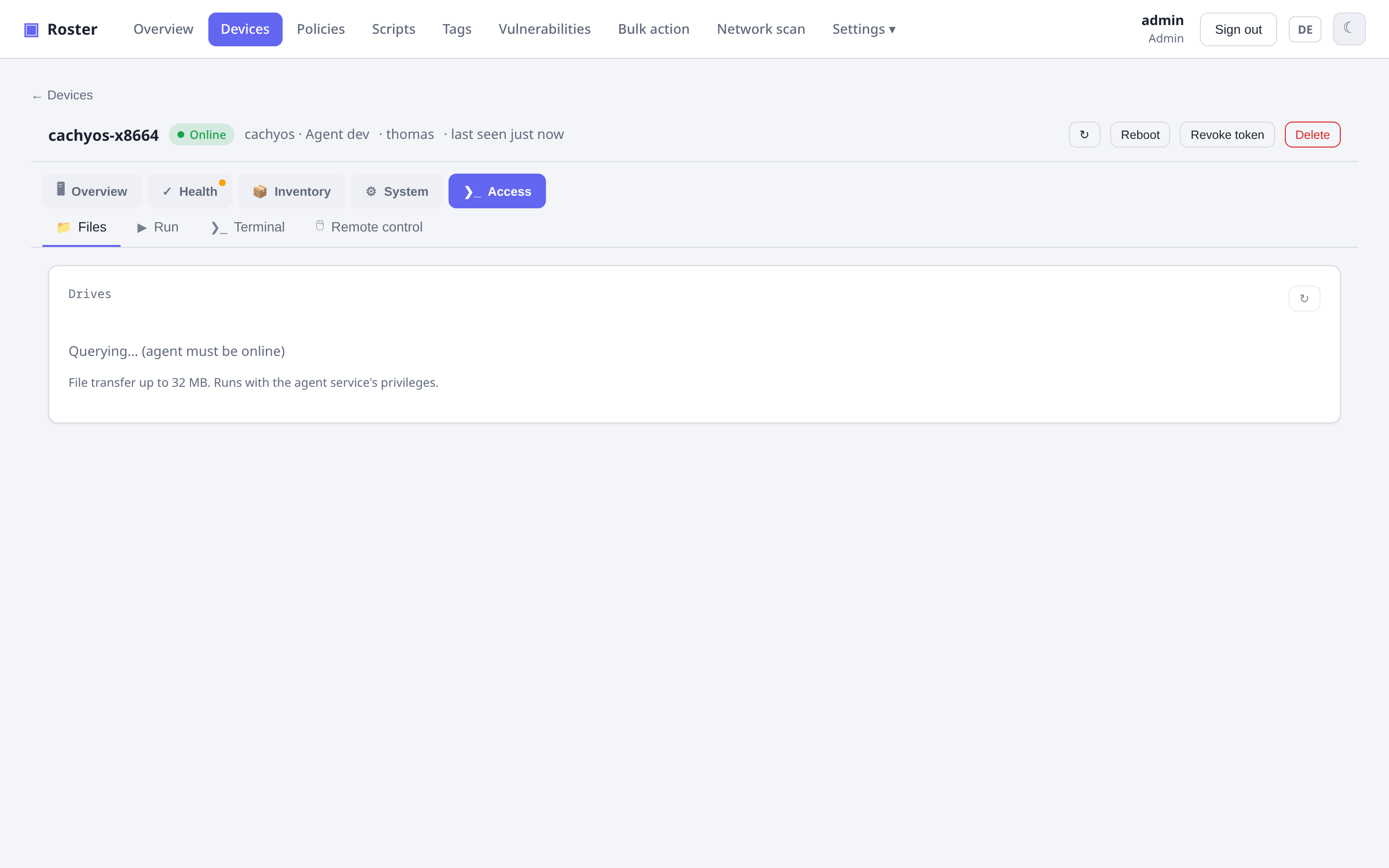
From a device's detail page you can browse its filesystem and transfer files (≤ 32 MB), list and start/stop/restart services, kill processes, and run a TreeSize-style live storage explorer with a pie chart.
Security collectors
Antivirus / Defender status, BitLocker (with recovery-key escrow), SMART disk health, and a Windows Event Log / journald viewer.